CodeDaddy: Browser-Based Web Development Learning Platform
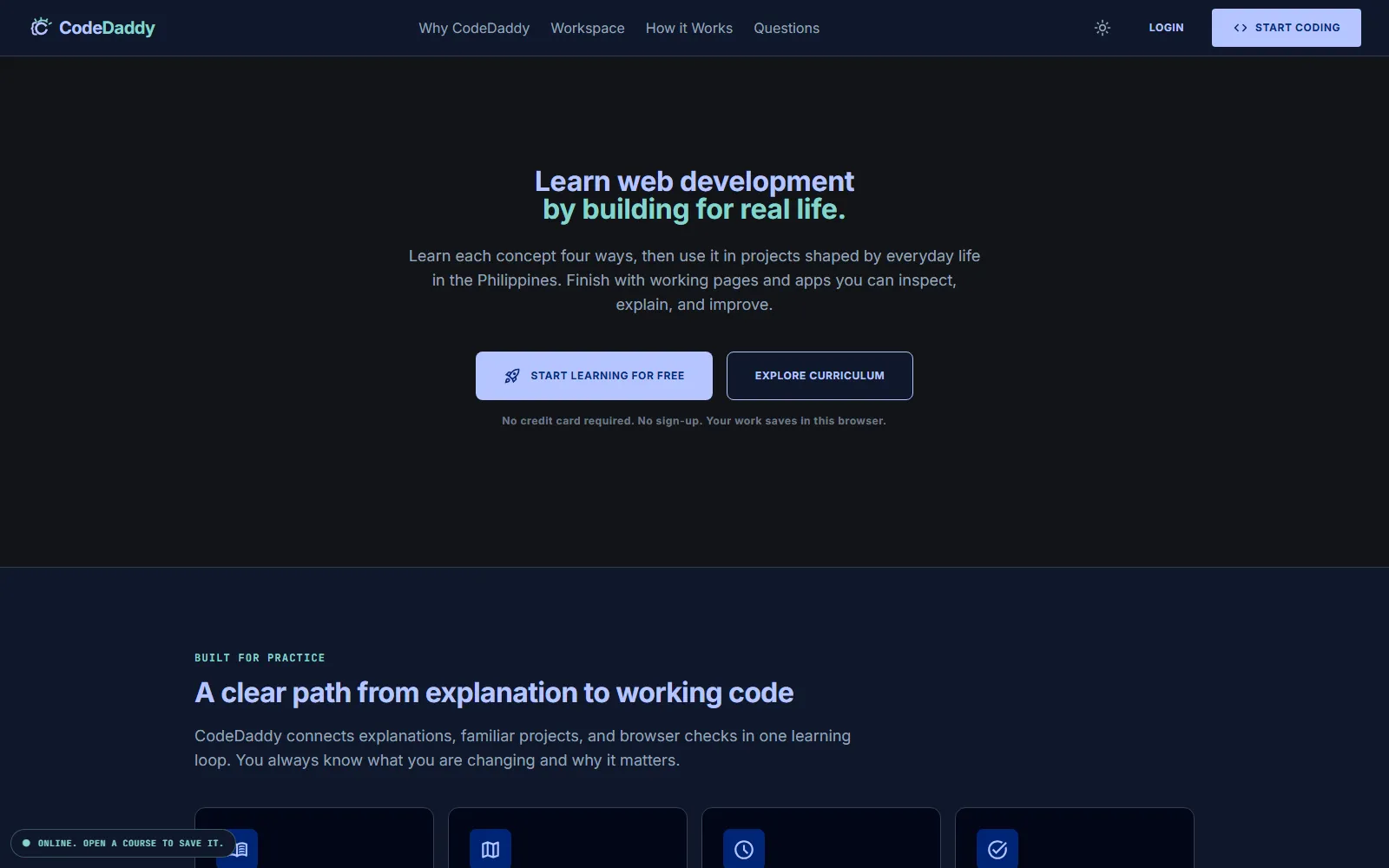
Free, project-led learning platform that teaches front-end development through small browser-based coding tasks, live previews and deterministic checks.
- Education technology
- Product and full-stack developer, curriculum system through deployment
- SaaS
- Deployed
What problem does CodeDaddy solve?
Complete beginners are often asked to jump from passive lessons into an empty project. Local setup, unfamiliar tools and vague feedback add friction before they can practise the concept they just learned.
How does CodeDaddy work?
CodeDaddy keeps the learning loop in one browser tab. Ten ordered courses break front-end development into small tasks, then connect each edit to a live preview, a specific browser check and a project rooted in everyday Filipino life.
Which architecture decisions shaped the build?
- Deterministic checks before model-generated feedback
- A learner gets a repeatable pass or a specific requirement to inspect. Core grading does not depend on a probabilistic answer or a paid model call.
- Purpose-specific sandboxed frames
- Learner code, previews and graders run in separate frames with only the browser capabilities each task needs, keeping authored content and application state outside the execution boundary.
- Curriculum authored as typed data
- Courses, projects, steps and assertions share one closed model, so automated gates can catch broken starts, unreachable solutions and malformed teaching content before release.
- Useful without an account
- Progress is saved in the browser first. Signing in adds explicit cross-device sync without making authentication a gate to the free learning path.
Field notes from the build
CodeDaddy begins with a practical constraint: a new learner should be able to write code before installing a toolchain or creating an account. The task, editor, preview and check all live in one workspace, so the distance between reading and doing stays short.
The browser is the classroom and the safety boundary
HTML, CSS, JavaScript, React and TypeScript exercises run inside purpose-specific sandboxed frames. A preview can execute learner code without receiving same-origin access to the application. Grading runs separately and returns plain results to the workspace.
The curriculum is testable software
Courses are typed data rather than pages assembled by hand. Starts, solutions, assertions and teaching representations pass automated content gates and real-browser harnesses. The completed front-end path contains 2,760 guided steps, eight practice activities and five capstones.
Progress works before an account does
The learning path saves progress locally and remains usable on a phone or after a loaded course goes offline. Account sync is an explicit upgrade to that local record, not a gate placed in front of the curriculum.
Evidence in the build
Ten ordered courses, browser-based grading, offline recovery, responsive workspaces and a public source repository that exposes the curriculum model and its verification tools.